
14 October 2026 · Ultracore Team
Common JSON Errors and How to Fix Them
JSON looks a lot like JavaScript, and that’s exactly why it causes so many errors: things that are fine in JavaScript are not allowed in JSON. The format is deliberately strict so that every language parses it the same way.
When parsing fails, error messages are often vague, like Unexpected token } in JSON at position 25. Our free JSON Formatter & Validator shows the exact line and column with a plain-English explanation, but it helps to know the usual suspects.
1. Trailing commas
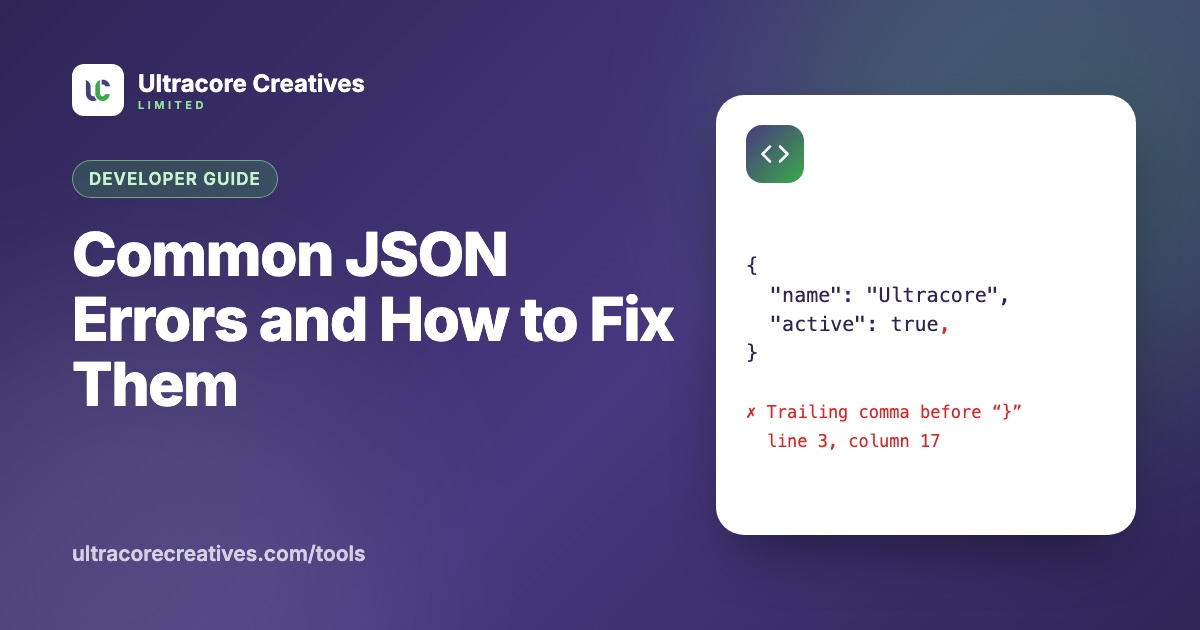
The most common error of all. JavaScript allows a comma after the last item; JSON doesn’t.
{ "name": "Ultracore", "active": true, }   ✗
{ "name": "Ultracore", "active": true }     ✓
2. Single quotes
JSON strings and keys must use double quotes. Single quotes are invalid.
{ 'name': 'Ultracore' }   ✗
{ "name": "Ultracore" }   ✓
3. Unquoted keys
In JavaScript objects, { name: "x" } is fine. In JSON, every key must be a quoted string: { "name": "x" }.
4. Comments
JSON has no comments. // and /* */ both cause errors. If you need comments in configuration files, formats like JSONC (used by VS Code and tsconfig.json), JSON5 or YAML allow them, but a standard JSON parser will reject them.
5. Line breaks inside strings
A string can’t contain a raw line break or tab. Write them as \n and \t:
{ "address": "House 12,\nDhaka" }6. Missing commas
Usually happens when adding a new line to an existing object or array. The error points to the start of the *next* item, which is why it can look like the problem is somewhere else:
{
  "name": "Ultracore"
  "city": "Dhaka"     ← error reported here
}
7. Values JSON doesn’t support
undefined, NaN, Infinity, functions and dates are not valid JSON values. Valid values are only strings, numbers, true, false, null, objects and arrays. JSON.stringify quietly drops undefined and turns NaN into null, so problems often show up later. Dates are usually stored as ISO strings like "2026-10-14T09:00:00Z".
8. Leading zeros and other number formats
Numbers can’t start with a zero (007 is invalid), can’t use hex (0xFF), and can’t have a trailing decimal point (1.). Store values like phone numbers and postal codes as strings, which also keeps leading zeros intact.
How to avoid JSON errors altogether
- Never build JSON by hand with string concatenation. Use
JSON.stringify()in JavaScript,json.dumps()in Python, or your language’s serializer. They always produce valid output. - Validate config files in CI, so a broken file never reaches production.
- Format before you debug. A minified API response on one line is unreadable; pretty-printing it makes structure problems obvious.
Paste your JSON into the JSON Formatter & Validator to find errors instantly. It runs in your browser, so it is safe to use with private API responses and config files.
Have a project in mind? Let’s talk it through.
A free, no-commitment call to understand what you’re building and how we can help.