
14 October 2026 · Ultracore Team
How Long Should a Password Be? A Practical Guide to Strong Passwords
Most of us were taught that a strong password needs a capital letter, a number and a symbol, and should be changed every few months. That advice produced passwords like Summer2025!, which attackers guess in seconds.
Modern guidance, including the US National Institute of Standards and Technology (NIST), has moved on: length beats complexity, and forced periodic changes do more harm than good. Here’s what actually makes a password strong.
How password strength is measured
Strength is measured in bits of entropy: how many guesses an attacker would need to try every possibility. For a truly random password, the formula is simple:
entropy (bits) = length × log2(number of possible characters)Using upper and lowercase letters, digits and common symbols gives about 89 possible characters, or roughly 6.5 bits per character. So:
- 8 characters ≈ 52 bits
- 12 characters ≈ 78 bits
- 16 characters ≈ 104 bits
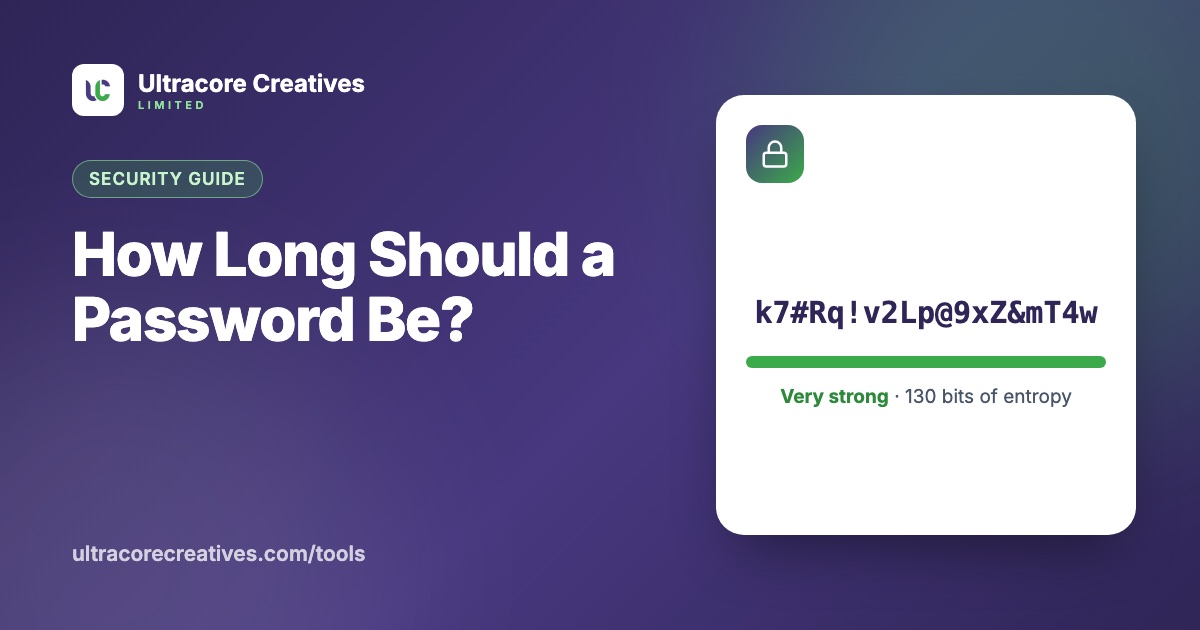
- 20 characters ≈ 130 bits
Every extra bit doubles the work. An attacker who has stolen a database and can make a trillion guesses per second would need around 13 days to try every 60-bit password, but about 38,000 years for 80 bits. That’s why we recommend at least 16 characters for anything important.
How long should your password be?
- Accounts in a password manager: 20 or more random characters. You never type them, so make them long.
- Passwords you must type: at least 16 characters, or a passphrase of 5–6 random words.
- Wi-Fi passwords: 16–20 characters, avoiding look-alike characters such as I, l and 1 so guests can type them.
Our free Password Generator shows the entropy of every password it creates, and lets you exclude look-alike characters.
Passphrases: strong and memorable
A passphrase is several random words, like orbit-candle-maple-thunder-lasso. If the words are picked truly at random from a list of 7,776 words (the classic “Diceware” list), each one adds about 12.9 bits. Six words give around 77 bits, as strong as a random 12-character password and much easier to remember. The key is that *you* don’t pick the words: a song lyric or famous quote is not random.
Habits that matter more than any rule
- Use a different password for every account. When one site is breached, attackers try the same email and password everywhere else. This “credential stuffing” is behind a huge share of account takeovers.
- Use a password manager. It generates, stores and fills unique passwords for you, so you only remember one strong passphrase.
- Turn on two-factor authentication for email, banking and work accounts. An authenticator app or passkey is safer than SMS codes.
- Only change passwords when there’s a reason, such as a breach. Forced regular changes lead to predictable patterns like
Password1,Password2. - Check for breaches. Services like Have I Been Pwned tell you if your email appeared in a known data breach.
For developers: storing passwords
If you build software that stores passwords, never use plain hashes like MD5 or SHA-256. They are designed to be fast, which helps attackers. Use a purpose-built password hashing algorithm such as Argon2id, bcrypt or scrypt, which are deliberately slow and salted. Our post on MD5 vs SHA-256 explains the difference.
Need a strong password right now? The Password Generator creates them with your browser’s secure random number generator. Nothing is sent or stored anywhere.
Have a project in mind? Let’s talk it through.
A free, no-commitment call to understand what you’re building and how we can help.