
14 October 2026 · Ultracore Team
JWT Explained: How JSON Web Tokens Work and the Security Mistakes to Avoid
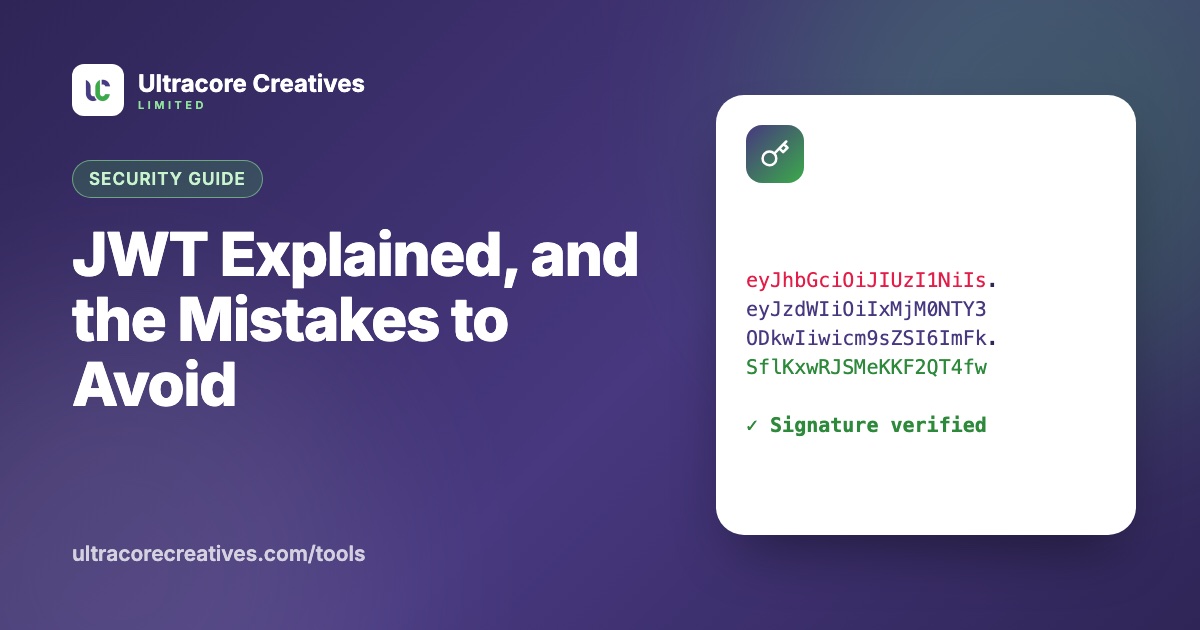
If you have built or used a modern API, you have probably seen a long string starting with eyJ. That’s a JSON Web Token (JWT), a compact way for one system to tell another “this user is who they say they are, and here’s what they’re allowed to do”.
The three parts of a JWT
A JWT is three Base64url-encoded pieces joined by dots: header.payload.signature.
- Header: which algorithm signed the token, e.g.
{"alg":"HS256","typ":"JWT"} - Payload: the claims, the actual data, e.g. user ID, roles and expiry time
- Signature: proof that the header and payload haven’t been changed since they were signed
Paste any token into our JWT Decoder to see these parts, with dates converted to readable times.
Standard claims
sub(subject): who the token is about, usually a user IDiss(issuer): who created itaud(audience): which service it’s meant forexp(expires at),iat(issued at) andnbf(not before): Unix timestamps in seconds
HS256 vs RS256
HS256 (HMAC) uses one shared secret to both sign and verify. It’s simple and fast, but every service that verifies tokens must hold the secret, and any of them could also create tokens.
RS256 and ES256 use a key pair: the auth server signs with a private key, and other services verify with the public key. Services that only verify can’t forge tokens. Choose this when several services or third parties need to check your tokens.
Security mistakes to avoid
1. Decoding instead of verifying
Decoding a token just reads it; anyone can create a token with any payload. Your server must verify the signature before trusting a single claim. Libraries usually have separate decode and verify functions, and using the wrong one is a critical bug.
2. Accepting any algorithm
Attackers can change the header to "alg": "none" (unsigned) or switch RS256 to HS256 and sign with your *public* key as the secret. Always tell your library exactly which algorithms to accept:
const payload = jwt.verify(token, publicKey, {
  algorithms: ['RS256'],
  issuer: 'https://auth.example.com',
  audience: 'orders-api',
});
3. Weak HMAC secrets
If a token is signed with a short or guessable secret like secret123, an attacker can take one token and brute-force the secret offline, then forge any token they like. Use at least 256 random bits, generated by a secure random generator.
4. Not checking expiry and audience
A token for your staging environment, or one that expired last month, should be rejected. Most libraries check exp automatically, but aud and iss usually need to be configured.
5. Long-lived tokens
A JWT stays valid until it expires, even if the user logs out or their account is disabled. Keep access tokens short-lived (5–15 minutes) and use a refresh token, which you *can* revoke on the server, to get new ones.
6. Storing tokens carelessly
Tokens in localStorage can be stolen by any cross-site scripting bug on your site. An HttpOnly, Secure, SameSite cookie keeps the token out of reach of JavaScript, though it then needs CSRF protection. Pick deliberately; don’t default to whatever the tutorial did.
Debugging tokens safely
When a login fails with “invalid token”, the cause is usually an expired exp, a wrong aud, or a secret that differs between services. The JWT Decoder shows the expiry status at a glance and can verify HS256, RS256, PS256 and ES256 signatures with your secret or public key. Everything happens in your browser, so tokens are never sent to a server.
Have a project in mind? Let’s talk it through.
A free, no-commitment call to understand what you’re building and how we can help.