
14 October 2026 · Ultracore Team
Regex for Beginners: 10 Patterns Every Developer Should Know
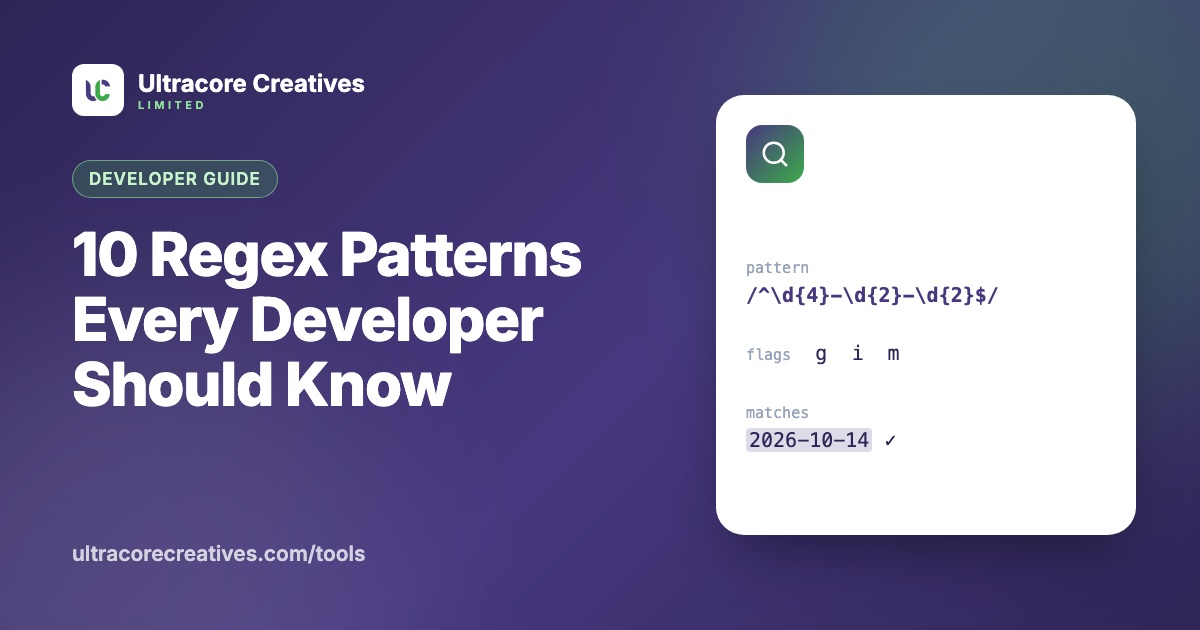
Regular expressions (regex) are a tiny language for finding patterns in text. They power search-and-replace in your editor, form validation, log parsing and data cleaning. They also have a reputation for being unreadable, but most real-world needs are covered by a few patterns you can learn once.
Try each one as you read in our free Regex Tester, which highlights matches live and shows capture groups. All examples use JavaScript syntax.
The building blocks
\da digit,\wa letter, digit or underscore,\swhitespace.any character (except a line break)*zero or more,+one or more,?optional,{2,5}between 2 and 5^start and$end of the text (or line, with themflag)[abc]any of a, b or c;[^abc]anything except them( )a group you can extract;(?: )a group you can’t
10 patterns worth knowing
1. Digits only
^\d+$Matches 12345 but not 12a45. The ^ and $ anchors make sure the *whole* input is digits, not just part of it. Forgetting anchors is the most common validation bug.
2. A sensible email check
^[^\s@]+@[^\s@]+\.[^\s@]+$Something, an @, something, a dot, something, with no spaces. The fully correct email regex is famously enormous, and still can’t tell you whether the address exists. Keep validation simple and send a confirmation email.
3. A URL
^https?:\/\/[^\s/$.?#].[^\s]*$s? makes the “s” in https optional.
4. A date in YYYY-MM-DD format
^\d{4}-(0[1-9]|1[0-2])-(0[1-9]|[12]\d|3[01])$Months 01–12 and days 01–31. Regex checks the *shape*, not the calendar: 2026-02-30 still passes, so confirm real dates with a date library.
5. A hex colour
^#(?:[0-9a-fA-F]{3}){1,2}$Matches #fff and #47387F: three hex digits, once or twice.
6. Trim whitespace from both ends
^\s+|\s+$Replace with nothing, using the g flag. The | means “or”.
7. Collapse repeated spaces
{2,}Two or more spaces, replaced with a single space. Useful when cleaning pasted text.
8. Password rules with lookaheads
^(?=.*[a-z])(?=.*[A-Z])(?=.*\d).{12,}$Each (?=…) checks a condition without consuming characters: at least one lowercase letter, one uppercase letter and one digit, and 12+ characters overall.
9. Extract hashtags
#\w+With the g flag, finds every hashtag in a post.
10. A URL slug
^[a-z0-9]+(?:-[a-z0-9]+)*$Lowercase words separated by single hyphens, like free-qr-code-generator, with no leading, trailing or double hyphens.
Pitfalls to watch for
- Greedy vs lazy.
<.+>on<b>bold</b>matches the *entire* string, because+grabs as much as it can. Add?to make it lazy:<.+?>matches<b>and</b>separately. - Escaping special characters. To match a literal dot, question mark or bracket, escape it:
\.,\?,\[. - Catastrophic backtracking. Nested quantifiers like
(a+)+$can take exponential time on text that almost matches, freezing a browser or taking down a server. Our tester runs patterns in the background and stops them after 1.5 seconds so you can spot these safely. - Forgetting the g flag. Without it, JavaScript’s
replaceonly changes the first match.
Open the Regex Tester, load one of the common patterns and experiment. Seeing matches highlight as you type is the fastest way to learn.
Have a project in mind? Let’s talk it through.
A free, no-commitment call to understand what you’re building and how we can help.