
14 October 2026 · Ultracore Team
What Is Base64 Encoding? A Simple Explanation with Examples
Base64 shows up everywhere: in image data URLs, email attachments, API payloads and login tokens. It looks like gibberish (SGVsbG8=), but the idea behind it is simple.
The problem Base64 solves
Many systems were designed to carry text, not arbitrary bytes. Email, JSON, XML, URLs and HTTP headers can mangle binary data like images or encrypted keys. Base64 converts any bytes into 64 safe characters (A–Z, a–z, 0–9, + and /) that survive every text-based system.
How it works
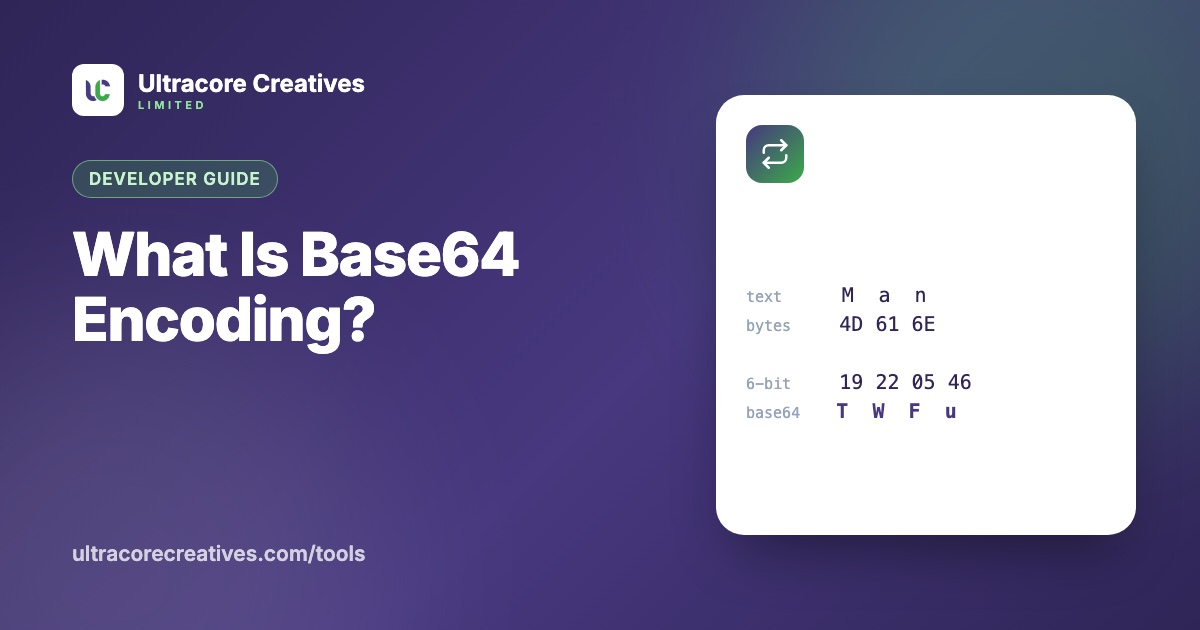
Base64 takes your data 3 bytes (24 bits) at a time and splits them into four 6-bit groups. Each 6-bit group (a number from 0 to 63) maps to one character. The classic example is the word “Man”:
Text:      M        a        n
Bytes:     01001101 01100001 01101110
6-bit:     010011 010110 000101 101110
Base64:    T      W      F      u
When the input isn’t a multiple of 3 bytes, the output is padded with =. “Hi” becomes SGk=.
Because every 3 bytes become 4 characters, Base64 makes data about 33% larger.
Where you’ll see Base64
- Data URLs: small images embedded directly in HTML or CSS, like
data:image/png;base64,iVBORw0… - Email attachments: files in emails are Base64-encoded behind the scenes (MIME)
- HTTP Basic authentication: the header
Authorization: Basic dXNlcjpwYXNzis justuser:passin Base64 - JSON APIs: for sending files or binary data inside a JSON field
- JWTs and URLs: using Base64url, which swaps
+and/for-and_and drops the padding, so the result is safe in URLs and file names
Base64 is not encryption
This is the most important point. Base64 has no key and no secret: anyone can decode it instantly. That Basic authentication header above gives away the username and password to anyone who sees it, which is why it must only ever be sent over HTTPS. Never use Base64 to “hide” passwords, API keys or personal data.
The emoji problem in JavaScript
The browser’s built-in btoa() only handles Latin-1 characters, so btoa("👋") throws an error. Convert text to UTF-8 bytes first:
const bytes = new TextEncoder().encode('Hello 👋');
const base64 = btoa(String.fromCharCode(...bytes));

const decoded = new TextDecoder().decode(
  Uint8Array.from(atob(base64), (c) => c.charCodeAt(0))
);
Our Base64 Encoder / Decoder does this automatically, so any language and emoji round-trip correctly.
When not to use Base64 data URLs
Embedding images as data URLs saves an HTTP request, which is handy for tiny icons. For anything larger than a few kilobytes it backfires: the image becomes 33% bigger, can’t be cached separately from the page, and delays the HTML or CSS it sits in. Serve normal image files instead.
Need to encode a file or check what a Base64 string contains? The free Base64 Encoder / Decoder converts text and files (including images to data URLs) right in your browser.
Have a project in mind? Let’s talk it through.
A free, no-commitment call to understand what you’re building and how we can help.