
28 October 2026 · Ultracore Team
How to Make a Profile Picture Frame for Your Event or Campaign
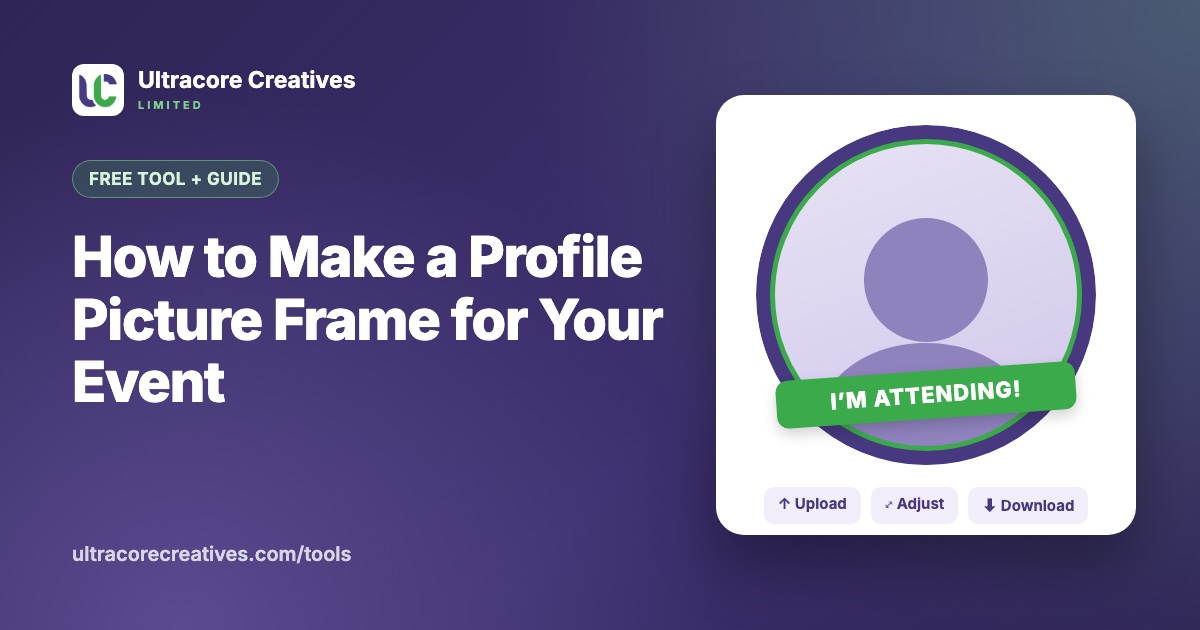
When hundreds of people change their profile picture to the same frame, everyone in their friend lists sees your event, campaign or cause. It’s one of the cheapest ways to spread the word: conferences use them for “I’m attending”, universities for orientation week, brands for launches, and communities for national days and causes.
The hard part used to be the sharing. You’d post a PNG and hope people knew how to layer it over their photo. Now you can publish the frame as a link: people open it, add their photo, adjust it and download the result in under a minute.
What makes a good profile picture frame
- A transparent area for the photo. The frame is a PNG with a see-through middle. Wherever it’s transparent, the person’s photo shows through.
- Square, 1080 × 1080 pixels. That’s what Facebook, Instagram, WhatsApp and LinkedIn use for profile pictures. A bigger file only makes it slower to load.
- Nothing important in the corners. Most platforms show profile pictures as a circle, which cuts off the corners. Keep your text and logo inside the circle.
- Room for the face. A ring, a border or a banner along the bottom works better than artwork across the middle. People won’t use a frame that hides their face.
- Short, bold text. Profile pictures are often shown at 40 pixels wide. “I’m attending” and a date are readable at that size; a full sentence isn’t.
How to design the frame
You can make one in Canva, Figma, Photoshop or any design tool that exports PNG:
- Create a 1080 × 1080 pixel canvas and remove the background, so it’s transparent.
- Draw a circle guide in the middle to show where the face will go, and keep it empty.
- Add your ring, border or banner, plus your logo and a few words. Use your brand colours.
- Delete the circle guide and export as PNG with a transparent background. JPG files can’t be transparent, so they won’t work.
How to publish it as a shareable link
- Open the free Photo Frame Maker and upload your PNG.
- Try it with your own photo in the preview, exactly as visitors will see it.
- Give the frame a name, add a short message for visitors and choose how long to keep it online: 1 week, 1 month or 3 months.
- Press Publish and get link. You get a short link like
ultracorecreatives.com/f/abc12345, plus buttons to share it on Facebook and WhatsApp.
Everyone who opens the link can add their photo, drag it into place, zoom, rotate and download the finished picture. It works on any phone or computer, with no app and no sign-up. Their photos are combined with the frame in their own browser and never uploaded, which matters when you’re asking strangers for a selfie.
How to get people to actually use it
- Go first. Change your own profile picture, and ask speakers, organisers and team members to do the same on day one. People copy what they see.
- Post the link, not just the image. The link preview shows the frame, and one tap gets people straight to the editor.
- Put it where your audience already is. Event pages, WhatsApp groups, registration confirmation emails and ticket pages are all good places.
- Print a QR code. At the venue, a poster with a QR code to the frame link gets people using it on the spot. Make one with our QR Code Generator.
- Time it. Share the frame one or two weeks before the event, and remind people the day before. That’s when most people change their picture.
Frequently asked questions
Do people need to install an app?
No. The frame link opens in any browser. If someone opens it inside the Facebook or Messenger app and the download doesn’t start, they can press and hold the finished picture to save it, or open the page in their browser from the ⋯ menu.
Is it really free?
Yes. Publishing frames and making photos with them is free, with no watermark on the pictures people download.
What happens when the frame expires?
The link stops working and the frame is deleted from our server. Pictures people already downloaded are theirs to keep. For a longer campaign, publish the frame again and share the new link.
Ready to make yours? Upload your frame to the free Photo Frame Maker and share the link in minutes.
Have a project in mind? Let’s talk it through.
A free, no-commitment call to understand what you’re building and how we can help.